Featured
Cad For Fashion Design Sparks Bold Creativity
By nancewillis
December 1, 2025
Field Notes
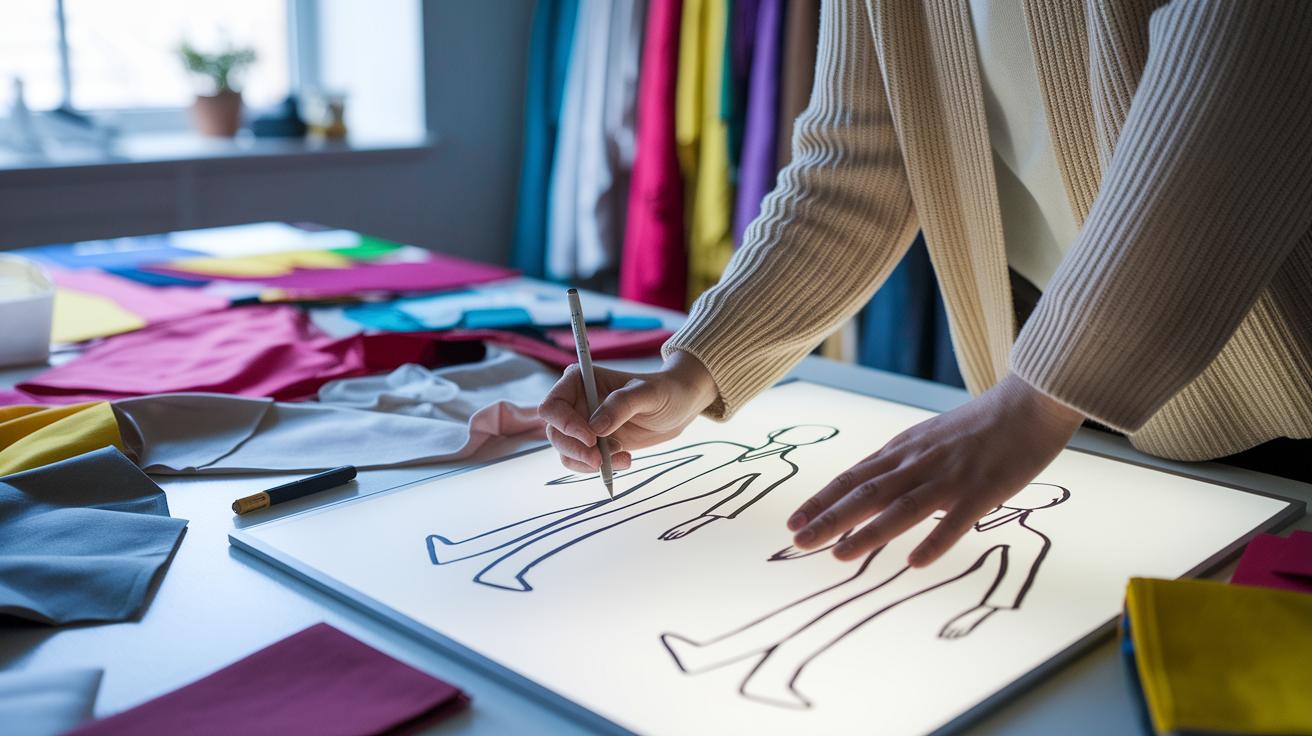
Ever notice how a rough sketch can spark amazing ideas? CAD for fashion design takes a simple doodle and turns it into a crisp digital blueprint that guides every cut and stitch. And when you see those clear digital outlines, what used to take hours now happens in just minutes. It’s like swapping old film for sharp, modern images, a fresh look at how we shape our clothes. In this piece, we chat about how CAD reshapes fashion workflows while adding a cool, modern twist to making clothes.
How CAD Software Transforms Fashion Design Workflows

Designers start off by doing market research. They spend about $35 to $100 on each style to catch early trends and understand what consumers like. It’s like hunting for inspiration. Once they have those ideas, hand-drawn sketches are quickly turned into digital designs using CAD (that’s computer-aided design). Designers might sketch dozens of times a day, each drawing gets a number, a date, and sometimes even a fabric sample. It’s all about keeping things consistent. Wow, every little sketch matters!
Next, those digitized ideas get a makeover. CAD sharpens the shapes, colors, and details into clear, flat designs that show both the front and back of a garment. Using digital tools that help draft these designs means the final patterns are spot on. The system can even set up patterns for automated marker cutting. This step helps cut down on the time needed for prototype sewing, which can cost anywhere from $75 to $550 per sample. At this point, tech packs are created. These packs bundle all the crucial details, images, measurements, grading, and color notes, to make sure the manufacturing handoff is smooth.
Then comes the smart part. Thanks to an intelligent design workflow, any change made in the sketches updates automatically throughout the pattern development. This even flows into 3D clothing simulation, where you can see your design come to life. Optional 3D visualization, which costs from $50 to $600 per design, offers lifelike renders, giving brands a sneak peek of the final product before hitting the production line. It’s a smooth transition from creative spark to digital blueprint, ensuring every piece tells its story with clear visuals and simple instructions.
Comparing Top CAD Solutions for Fashion Design
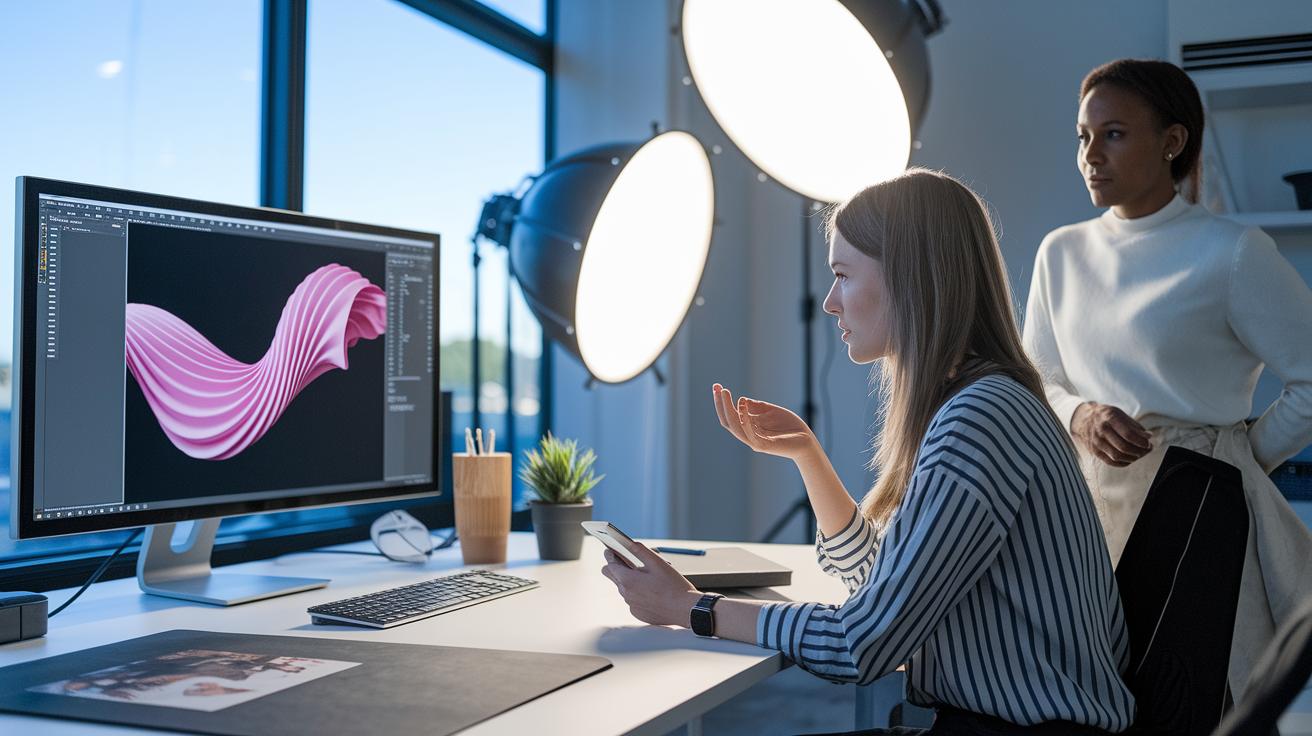
CLO 3D is a top pick for many designers because it makes garments come alive in 3D with real-time fabric movement and photo-like finishes. Designers love how it shows off the way fabrics flow and drape; one even said it was like watching a dance on the screen. It’s a genuine treat for anyone into virtual pattern making.
Browzwear VStitcher is another game changer with its lifelike 3D previews, a huge pattern library, and smart color management. If you rely on software to create accurate clothing simulations, this tool helps you spot all the little details before you get into production, which means fewer surprises later.
TUKAcad is known for its strong drafting, grading, and marker-making tools. It’s perfect for designers who need high precision and advanced features that feel almost like real tailoring done digitally.
Tailornova packs a punch as a cloud-based design system with smart pattern generation, measurement tools, and customization options. Its remote-friendly approach makes it an ideal choice when you want to mix creative freedom with the efficiency of digital tools, like a modern twist on traditional design.
Adobe Illustrator, long used for detailed flat drawings, has grown into a handy tool with plugins that let you export universal tech packs. It’s a great match for those starting with simple sketches that need a bit more polish down the line.
Blender is a powerful open-source program that brings 3D modeling, sculpting, and texture painting to the mix. With special add-ons for fashion, it offers an artistic way to dive into digital garment drafting, perfect for creative minds looking to blend art with accuracy.
Style3D makes collaboration on 3D designs easy with its broad fabric library and multi-user review system. Its cloud-like efficiency means teams can see changes in real time, keeping everyone on the same stylish page.
For more options and a deeper look into fashion design software, check out the details at https://bloomednews.com?p=325. Choose the tool that matches your style and workflow best, and let your creative journey soar!
Step-by-Step Guide to Creating CAD Fashion Sketches

Start by choosing a template that feels right for your design. For example, try searching for a "Men Shirt" template on Repsketch. This gives you a solid foundation to build on.
Next, open your chosen template in Adobe Illustrator. Trace the outlines with vector tools to shape crisp, digital sketches. Remember, a CAD sketch should show every construction detail like seams, stitching, and lining. For instance, you might note, "Check out pocket stitching closely, making sure each line is spot on."
Keep these three tips in mind while you work:
- Be super detailed: List things like hem finishes and exact seam placements.
- Offer different views: Don’t stop at the front and back, show interior details and any functional accessories.
- Keep the design simple: Stick with black-and-white line art so nothing distracts from the design.
Then, add extra layers of details like fabric textures and decorative touches. Once you’re happy with the design, export your work as a tech-pack. This file neatly organizes all the construction details needed for production.
For more ideas and guidance, check out fashion design sketching apps at https://reloveshop.com?p=287.
Benefits and Challenges of Implementing CAD in Fashion Design
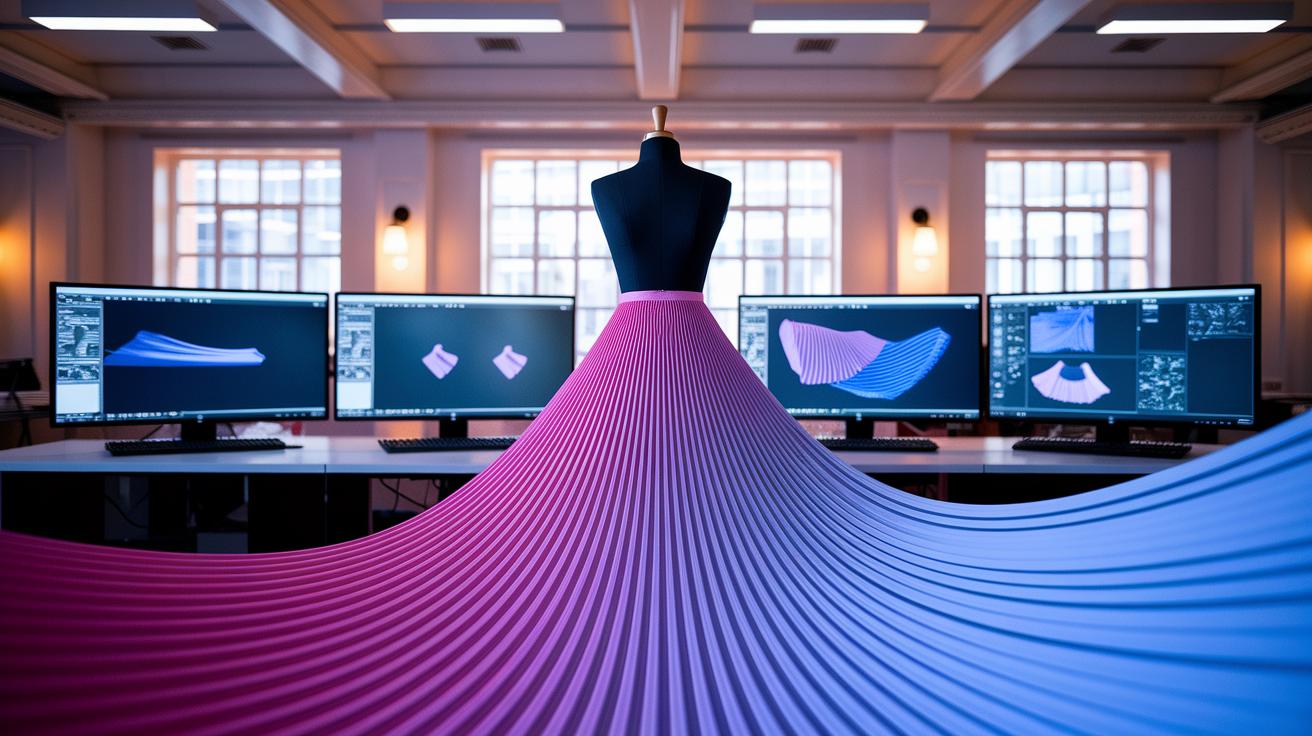
CAD sparks creativity by turning dull, slow steps into quick and inspiring actions. Designers can try new fabric textures and color ideas in hours instead of days, which makes working together so much smoother. Picture testing out a fabric simulation on a digital mannequin and watching it move gracefully, like the fabric is really dancing. This fast feedback means fewer physical samples, lower costs, and better accuracy. With handy tools that measure garments precisely and automatically adjust patterns (think of it as set-and-forget for size details), every seam and stitch looks just right before it even hits the factory floor.
But, not everything comes without a few bumps. Learning these advanced, vector-based tools can feel like tackling a new language. Many designers spend weeks just picking up the basics of software like Illustrator or digital draping apps, a surprising fact if you think about it! Plus, the cost of high-tech hardware and licensing fees can be pretty steep at first. And then there’s the challenge of setting up file standards so that every team member and supplier speaks the same digital language.
Benefits:
- Quick experiments with fabrics and colors
- Fewer prototypes needed, which cuts down costs
- Greater accuracy and faster turnaround
Challenges:
- A steep learning curve for new vector tools
- High upfront investment for technology and software
- The need to standardize files so everyone stays on the same page
CAD for Fashion Design Sparks Bold Creativity
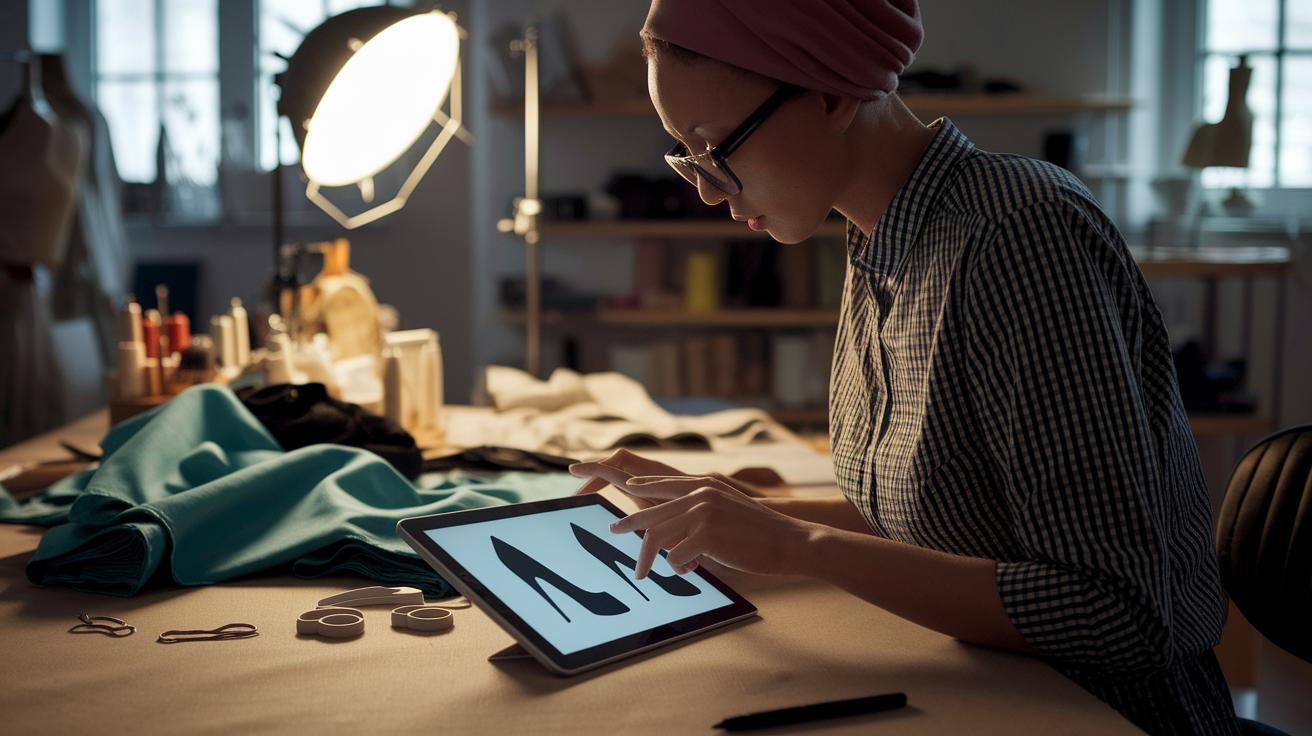
A footwear line recently jumped on the CAD bandwagon to solve tricky pattern problems that used to slow things down. They used computer-aided techniques (think using a digital sketchpad for clothes) and managed to cut sample iterations by 40%. They also spent about $75 on market research per style and bet another $120 to $350 on prototype sewing. Virtual draping tools helped catch fit issues before any fabric was cut, so designers could tweak the silhouette and details early on. One designer even said, "The virtual preview showed us that the arch needed a slight adjustment, saving us both time and material." It was a move that not only sped up the design process but also boosted their trust in the final product.
Next, an apparel startup also embraced CAD-driven methods. They brought in 3D visualization, spending around $60 per design to create lifelike fabric falls on digital mannequins. With these digital tools, the brand cut out two physical prototypes per style, which really streamlined production. Their CAD system exported tech packs that detailed every measurement and color, ensuring smooth communication with manufacturers. As one project lead shared, "Seeing our designs come to life digitally meant fewer surprises during production, making our work with the factory much smoother." Cloud-powered pattern development allowed the whole team to stay in sync, updating every change instantly.
| Key Changes | Impact |
|---|---|
| Footwear iterations | Reduced by 40% |
| Apparel prototypes | Dropped by two per style |
These hands-on examples show that CAD is more than just a tool, it turns design challenges into a playground for bold creativity in fashion.
Tips and Resources for Learning CAD in Fashion Design

Start by checking out free vector templates and easy tutorials on sites like Repsketch and Adobe. These guides walk you through making clear digital sketches and help you understand the basics of CAD. For example, you might find a template that shows you how to mark every seam and stitch, making it a breeze to get started.
Online courses are another fun way to boost your skills. Platforms like Udemy and Coursera offer courses on digital flat sketching for around $50 to $150. These classes break down how to turn your hand-drawn ideas into digital garments, so you get both the creative and technical parts of fashion on lock.
If you prefer learning by doing, interactive 3D tutorials for CLO 3D and Browzwear are a must-see. Their training sections let you play with digital fashion patterns and even mimic the feel of real fabric. It’s like being backstage at a digital runway show!
And don’t forget, community forums and social-media groups are great for swapping tips and solving file-sharing hiccups. Have you ever found that a quick chat with fellow designers sparks a fresh idea? Check out more insights via 3d Fashion Design Software: Modern Creative Edge for in-depth guides that can help you along the way.
Future Trends in CAD for Fashion Design

The world of CAD in fashion design is brimming with fresh, innovative ideas that take creativity to new heights. Imagine AI tools that suggest trendy patterns based on what’s hot right now, helping designers nail the perfect look for today’s consumer. And thanks to cloud-based platforms, creative teams can now share ideas from any device, no matter where they are.
Real-time virtual runway previews via AR/VR headsets are set to wow us all. Picture putting on a headset and watching a new collection live, pure magic before it even hits stores! Meanwhile, generative CAD tools will automatically whip up graded patterns and fabric maps, saving designers time without skimping on precision.
What’s more, the buzz is building around merging wearable tech and smart fabrics into CAD simulations. This means designers can now experiment with clothes that react to their surroundings. Cool, right?
All in all, these trends point to a design process that’s more intuitive and empowering. Digital tools will soon let creativity shine in every stitch and silhouette, marking just the beginning of a digital revolution in fashion design.
Final Words
In the action, the blog post explored how computer-aided design transforms fashion design workflows. It walked us through everything from digital garment drafting to precise 3D visualization. We compared leading CAD solutions, broke down sketch creation, and highlighted both wins and challenges along the way.
Each section illuminated key techniques behind cad for fashion design, mixing hands-on tips with forward-thinking trends. The insights shared encourage creative, efficient approaches that can really spark fresh style ideas, promising a bright and innovative future for fashion.
FAQ
CAD fashion design software free download
The CAD fashion design software free download option means you can try basic digital drafting tools at no cost. These free versions let you explore digital flats and pattern features before committing to premium software.
CAD fashion design courses online free
The CAD fashion design courses online free offer beginner training that explains digital drafting and garment visualization techniques. These courses help new designers boost their digital skills without any upfront cost.
Best CAD for fashion design
The best CAD for fashion design refers to tools that combine ease of use with robust features like digital sketching and 3D visualization. Top picks include CLO 3D and Browzwear for their reliable performance.
Websites to design clothes for free
Websites to design clothes for free allow you to experiment with digital sketches and garment layouts online. These platforms provide an accessible way for enthusiasts to practice designing without any cost.
3D clothing design online free
The term 3D clothing design online free means that digital tools are available for creating realistic garment renders without a fee. These platforms help designers view their creations in a lifelike, three-dimensional format.
CAD Fashion Designer Salary
The reference to CAD Fashion Designer Salary highlights earnings for professionals using digital drafting tools. Designers’ salaries vary with expertise and location, reflecting the growing demand for tech-savvy design skills.
Free clothing design software
Free clothing design software means that entry-level digital tools are available at no cost for developing garment sketches and technical flats. These tools let new designers start practicing without investing in expensive programs.
Fashion design software for beginners
Fashion design software for beginners is built with user-friendly interfaces and step-by-step tutorials. They simplify digital sketching and pattern development, making it easier for newcomers to learn and grow their skills.
Do fashion designers use CAD?
The question about whether fashion designers use CAD shows that many professionals rely on digital tools for creating precise sketches, refining patterns, and developing realistic 3D models to streamline their design process.
Which CAD software is best for fashion designing?
Which CAD software is best for fashion designing depends on your workflow. Many designers prefer options like CLO 3D and Browzwear, known for their powerful features that simplify pattern making and garment visualization.
What software do fashion designers use?
The inquiry about what software fashion designers use reveals that tools like Adobe Illustrator, CLO 3D, and TUKAcad are popular for crafting flat sketches, automated patterns, and detailed tech packs in modern fashion design.
What is the cost of tailoring CAD software?
The cost of tailoring CAD software varies based on feature sets and licensing terms. Options range from no-cost trials to premium packages with advanced 3D and pattern automation, allowing designers to choose according to their needs.