Featured
2. Fashion Design Software Empowers Artistic Flair
By rodyrogers
November 27, 2025
Field Notes
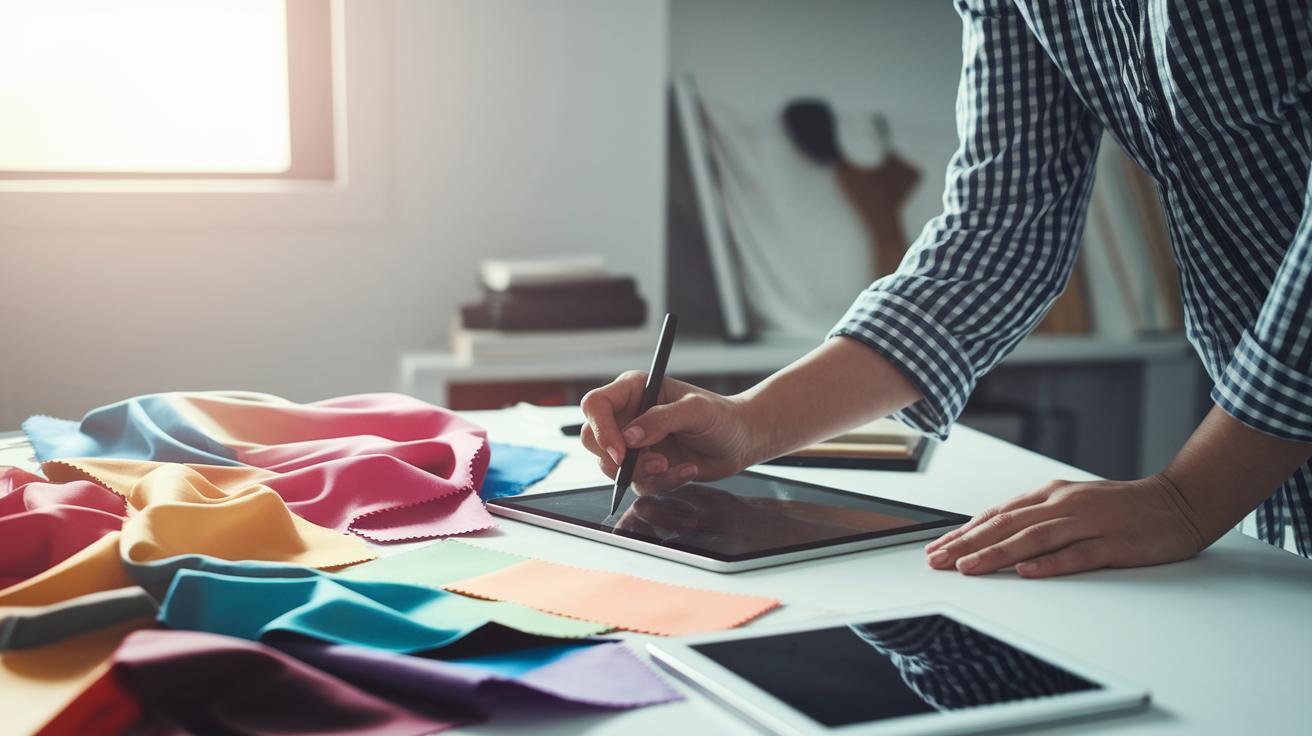
Ever wondered if design software can spark your creativity? It turns wild ideas into art with just a few clicks.
Imagine quickly sketching your thoughts, tweaking patterns on the fly, and seeing your work come alive in a realistic 3D view. Each tool feels like a paintbrush in the hands of an artist.
This cool mix of art and technology makes it easier than ever to put together your best look. In this article, we'll explore how these digital tools help designers create standout pieces that you'll remember.
How Fashion Design Software Transforms Sketching, Patterning, and 3D Visualization

Imagine your design dream coming to life on a digital canvas. Fashion design software combines digital sketching, precise pattern drafting, and dynamic 3D visualization all in one smooth process. A designer can kick things off with a rough sketch, fine-tune the pattern on the fly, and then watch the outfit come alive as the software mimics fabric drape, texture, and stretch. Ever thought about how every little tweak updates the 3D model automatically? It cuts out extra steps and makes sure everything stays spot-on.
Next, check out these awesome features:
| Feature | Description |
|---|---|
| Sketching Tools | Easy-to-use drawing tools that feel just like sketching on paper. |
| Pattern Drafting | Precise modules that help shape and adjust your design instantly. |
| 3D Visualization | Realistic models that show your outfit in striking detail. |
| Fabric Simulation | Simulates how fabric moves and shows off true-to-life textures. |
| Technical Flats | Creates clear, detailed drawings for a professional finish. |
| Collaboration & Cloud | Enables teamwork with easy sharing and cloud storage features. |
And here’s the kicker: by blending all these tools, designers can experiment with new colors and styles in minutes, not days. The real-time feedback helps perfect every detail with ease, whether you’re a pro or just starting out. It’s a streamlined process that boosts creativity and accuracy, making it a total game-changer for fashion design.
Comparing the Best Fashion Design Software: Top 10 Picks
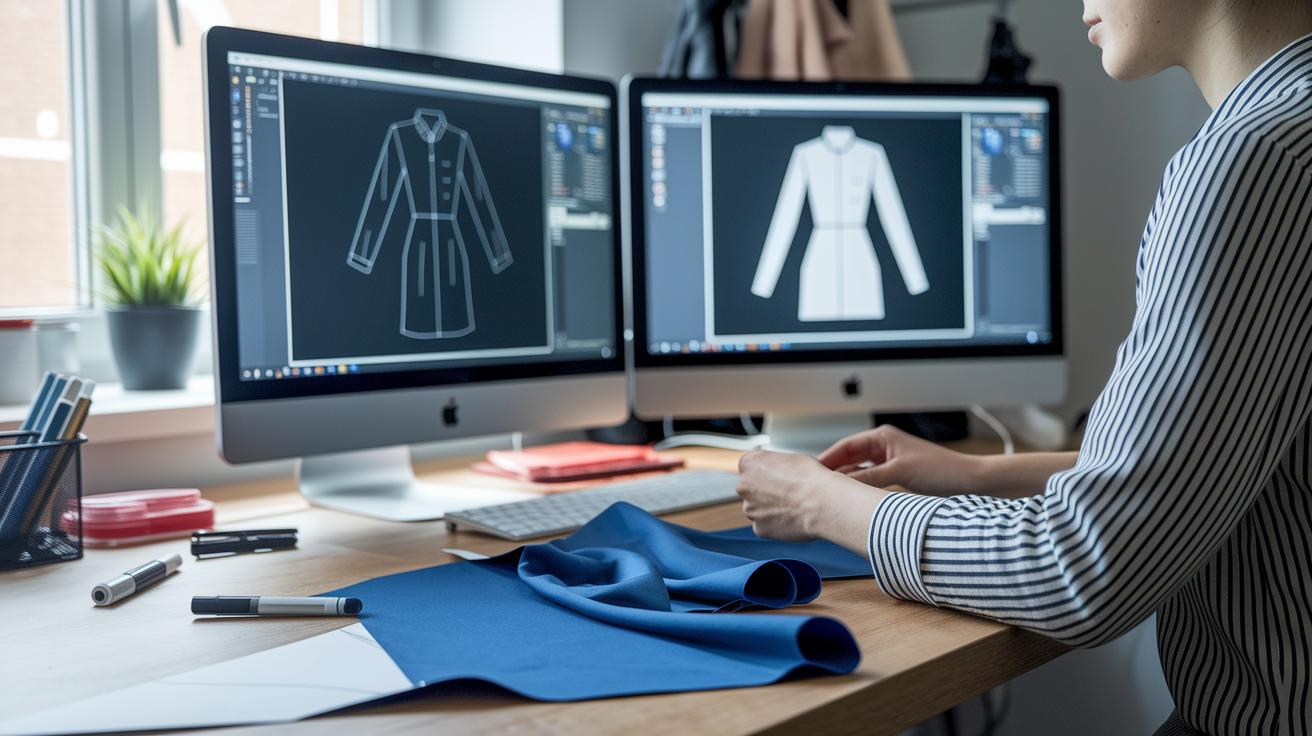
When you're diving into fashion design software, it's all about finding the right mix of practicality and creative flair. You want tools that nail pattern making, let you flip between 2D and 3D views, and even simulate fabric to feel how it drapes. Plus, extra touches like automated marker making and tweakable templates can really set one tool apart from the rest.
| Software | Primary Function | Specialty |
|---|---|---|
| Gerber AccuMark | Pattern Making | Realistic fabric simulation and PLM integration |
| Lectra | 2D & 3D Pattern Creation | Automated marker making and advanced grading |
| TUKAcad | Pattern Drafting | 3D visualization and customizable templates |
| PAD System | 2D/3D Pattern Making | Real-world fabric simulation and virtual prototyping |
| StyleCAD | Pattern Making & Grading | 3D garment visualization |
| PolyPattern | Pattern Creation | User-friendly for both 2D & 3D tasks |
| Optitex | Combined 2D/3D Pattern Making | Fabric and texture simulation with automated nesting |
| PatternSmith | Pattern Design | Beginner-friendly 2D & 3D CAD integration |
| Browzwear VStitcher | 3D Visualization | Pattern library with colorway management |
| Marvelous Designer | 3D Garment Simulation | Advanced draping tools |
These software options cover a range of design workflows and budgets. Whether you're a seasoned professional or a creative hobbyist, there's something here to match your style. If you love detailed pattern drafting or need lifelike 3D visuals to bring your ideas to life, the right tool makes all the difference. And the best part? Each program overlaps with others in key areas, making it a breeze to transition between traditional sketching and cutting-edge digital design.
Key Features to Look for in Advanced Fashion Design Software

Modern design software isn’t just about drawing or basic patterns. It’s loaded with smart tools that let you work with colleagues, no matter where they are. Picture a digital whiteboard where everyone adds ideas, or a Style Builder that turns quick sketches into lifelike images. It’s like magic that helps bring your vision to life, fast and exactly as you imagined.
Next up is material management. Today’s programs offer digital Fabric Libraries and Textile Color Palettes. In simple words, you can explore tons of fabrics and mix colors just like you would blend paints. This way, every texture and hue is perfectly set before you move on to production.
Then, you get neat automation tools that speed everything up. For example, Magic Cutout smartly crops your images while a tool called Make the Dot gathers loads of images, cutting out all the repetitive work. With cool AI-powered features like those from fashion ai, designers save heaps of time and effort.
And don’t forget, regular updates keep the software fresh. New features, like the update released on December 21, 2023, ensure that designers always have the best, most cutting-edge tools right at their fingertips.
Pricing and Trial Options for Fashion Design Software

Today, fashion design software gives you lots of choices. You can subscribe, buy it outright, or even use free and open-source options. For example, Adobe Illustrator offers a 7-day free trial so you can explore its renowned vector tool (which is great for drawing clean lines). And CLO lets you try out its eye-catching visualization features with a free trial too.
Browzwear and Style3D also come with 7-day trials, perfect for designers looking for quick results and easy-to-use tools. Meanwhile, Bandicoot starts at $149 for its Starter license, and Swatchbook’s cost changes with the plan you choose. Not to mention, Blender (Cycles) is a strong, free open-source package.
These trial periods, usually lasting 7 days, let you test out features like detailed vector drawing, lifelike fabric simulation, and smooth cloud integration. They give you a real feel for everything, from sharp technical flats to handy material management tools.
Choosing the right software really depends on your budget and what you need for your projects. Whether you’re dipping your toes in with free trials or ready to invest in advanced features, there’s an option that fits your style.
Technical Requirements for Running Fashion Design Software
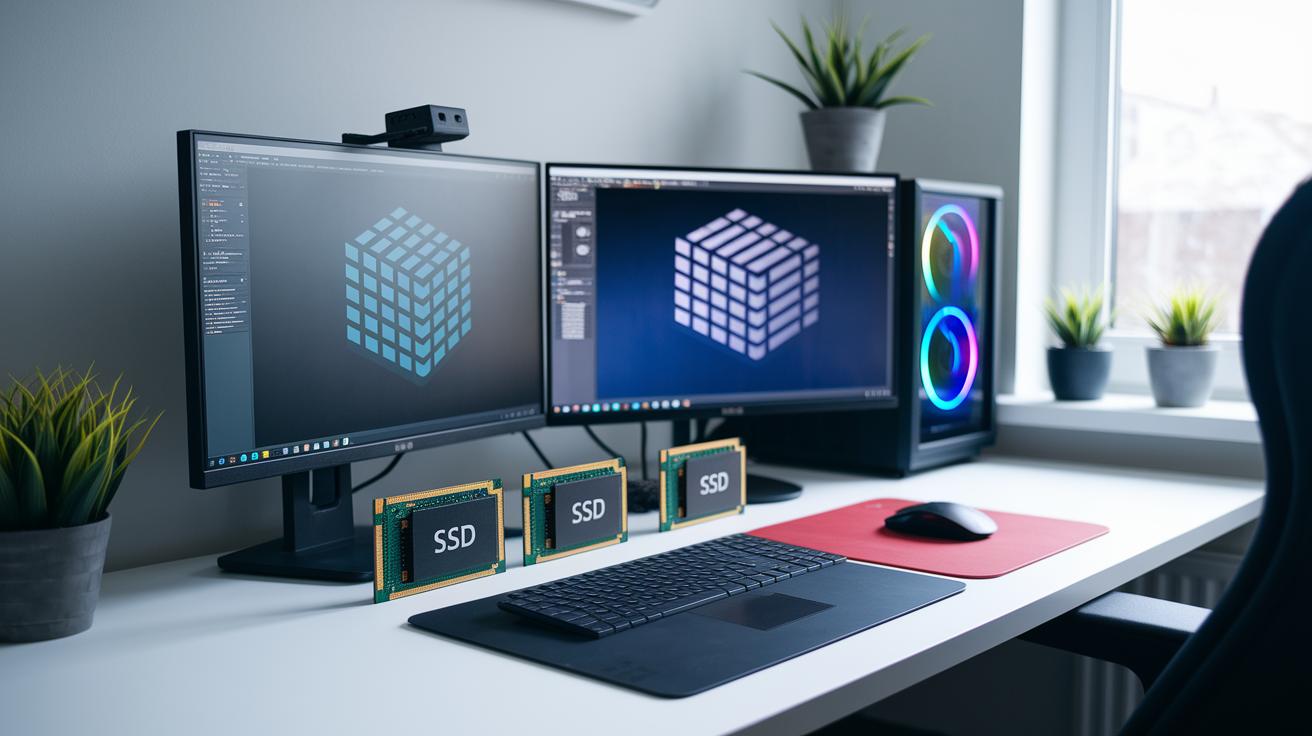
If you plan to run fashion design software smoothly, your computer should at least meet the basic specs. For regular 2D work, you should have Windows 10 or macOS 10.14+ with about 8GB of RAM. But if you’re diving into detailed 3D simulations, you’ll want 16GB or more RAM and a graphics card with at least 4GB of VRAM. This setup helps you work without those annoying slowdowns when things get busy.
Using an SSD is a smart move because it loads things up faster. And if you can, grab a solid NVIDIA or AMD graphics card, it really brings fabric simulations to life by handling real-time changes with ease. Also, if you’re using cloud-based CAD fashion software, a fast and stable internet connection is a must. Some of these platforms even run in your web browser, so while extra hardware isn’t always needed, a speedy connection makes the whole experience a breeze.
Getting Started with Fashion Design Software: Tutorials and Tips
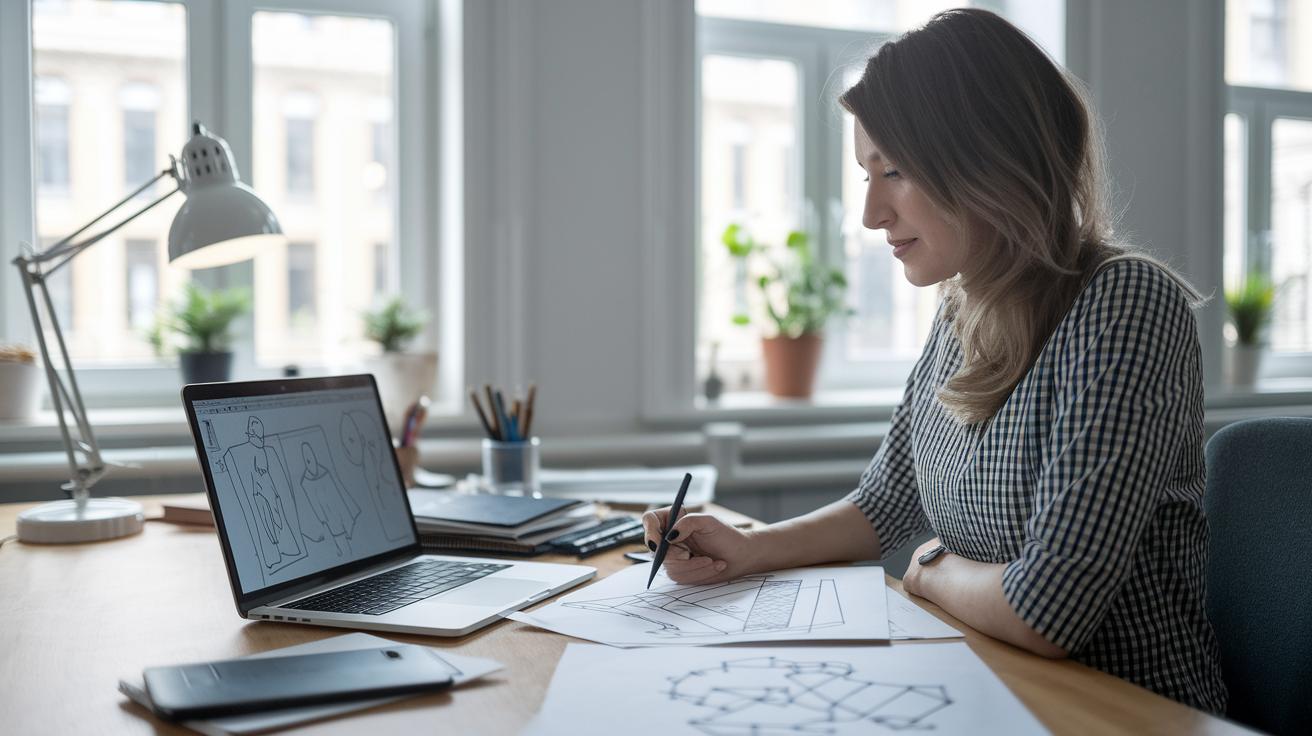
Structured tutorials are a game changer if you're just starting out with fashion design software. They break everything into simple steps, from digital sketching (drawing your designs on a computer) and pattern drafting (creating templates) to the sometimes tricky world of 3D garment simulation (basically, trying on clothes virtually). This hands-on approach makes it easy to learn fast and get your creative projects off the ground.
383 Design Studio Starter Courses
At 383 Design Studio, you’ll find free starter courses that cover the basics of digital sketching and pattern drafting. They break down the process into easy modules, so you can build up your skills one manageable step at a time. It's like piecing together a creative puzzle, with each piece leading you closer to confident design.
CLO Official Training
CLO’s official training is a must if you want to explore 3D garment simulation and make the most of a handy fabric library. They start simple with beginner tutorials, making it feel like you're chatting through the basics with a friend. And if you're up for a bigger challenge, you can dive into advanced lessons available on a paywall that go deep into virtual garment creation.
Browzwear Learning Resources
Browzwear offers a mix of engaging webinars, clear documentation, and lively community forums, so help is always just a click away. Their on-demand learning style means you can tap into expert advice exactly when you need it. Plus, their Community Hub features job boards and curated learning paths recommended by industry professionals, making it easier than ever to boost your design skills and creative flair.
2. fashion design software Empowers Artistic Flair
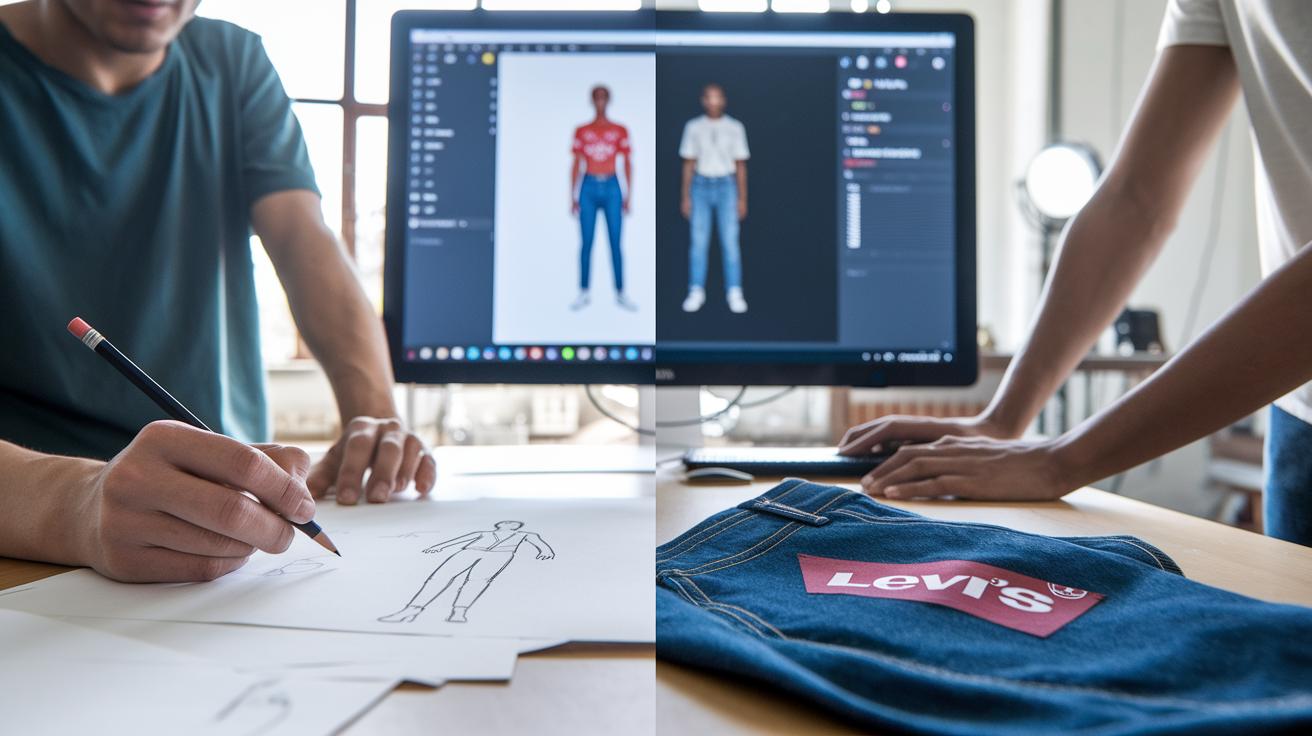
Watching these tools in action shows just how much they light up the creative process in fashion. Designers now swap out simple paper sketches for digital experiments that deliver real results and boost efficiency. It's like swapping a pencil for a paintbrush, adding a dash of modern flair to every design.
Brand Spotlight: Levi’s Denim Innovation
At Levi’s, they use CAD tools, which is short for Computer-Aided Design and helps turn ideas into real models, to mimic the way denim drapes and test wash effects. This digital approach makes their denim look consistently great and ensures each piece stands up to quality checks.
Academic Project: Lace Pattern Exploration
One major design school experimented with digital sampling to explore intricate lace patterns. This fresh method cut sample waste by 30% and let students focus on creative designs that turned right into course projects. It’s a smart blend of art and saving costs.
Designer Success: Portfolio Building
New designers are mixing Marvelous Designer, a tool that creates 3D garments, with Adobe Illustrator for 2D design, which helps them build eye-catching portfolios. Their job placement rates jumped by 20%, proving that pairing these tools can boost both creative flair and practical skills. Ever notice how combining ideas can totally upgrade your style?
These stories show that fashion design software not only reduces waste and speeds up work but also ramps up the creative process. Whether you’re a seasoned professional or just starting out, these digital tools bring efficiency and artistic charm together perfectly.
Final Words
In the action, the post showcased how fashion design software ties sketching, pattern drafting, and vivid 3D visualizations into one smooth workflow.
It broke down essential features like precise pattern grading, fabric simulation, and real-time team feedback, while also comparing top tools, discussing pricing models, and outlining technical needs.
Case studies and tutorials rounded out the insights, showing how these tools boost creativity and speed.
This refreshing take proves that smart fashion design software empowers both seasoned professionals and newcomers to innovate with speed and precision.
FAQ
Are there free fashion design software options available?
The query about free fashion design software is answered by noting that many platforms offer free trials, downloads, or basic versions—like Blender for 3D work and Canva for simple design sketches—making entry-level experimentation accessible.
What are some of the best fashion design software options?
The question regarding top fashion design software is answered by tools including Adobe Illustrator, CLO 3D, Browzwear VStitcher, Lectra, and Tukatech Inc., which provide dynamic capabilities from pattern drafting to realistic 3D visualization.
Which software do fashion designers use professionally?
The inquiry on professional usage is answered by noting that designers often rely on industry favorites such as Adobe, CLO 3D, Lectra, and OptiTex Ltd. for their robust pattern making and design visualization features.
Is CLO 3D a free software?
The question about CLO 3D is answered by clarifying that although CLO 3D is not free, it does offer a trial period for users to experience its comprehensive 3D garment simulation and pattern drafting tools before committing.
Can I design clothes in Canva?
The query about designing clothes in Canva is answered by confirming that while Canva is not a full-featured CAD tool, it lets you create basic clothing design sketches and mood boards, ideal for early-stage concept development.
What role does CAD play in fashion design?
The question regarding CAD in fashion design is answered by explaining that CAD software streamlines pattern drafting, grading, and technical flat creation, enabling precise design work and quick prototyping in both professional and hobbyist settings.